 Ruwaza
Website or web app: which one does your business actually need?
They look alike in a browser, but they solve different problems and cost very different amounts. Here's how to tell which one fits.
By Laurence Juma · · 5 min read

Almost every conversation we have with a new client starts with the same question: do we need a website, or a web app? From the outside they look alike. Both open in a browser, both can have a login page, and both are "built by developers". Underneath, they are built for different jobs, they cost different amounts and they take different amounts of time. Choosing the wrong one is the most common way small businesses overspend, or end up with something that can't grow.
This guide explains the difference in plain terms, gives you three questions that settle the choice for most businesses, and shows how to start small without painting yourself into a corner.
A website tells people about you
A website is mostly about information going out. Its job is to explain what you do, build trust and turn visitors into enquiries, calls or visits. Think service pages, a portfolio, a blog, a contact form, a map and a WhatsApp button.
- Content changes a few times a month, usually through a simple content manager your team can use without a developer.
- Success is measured in visitors, enquiries and how well you rank on Google for the things customers search for.
- Speed, clear writing and good photos matter more than clever features.
- A well-made business website usually takes weeks, not months, to launch.
A good website is not "just a brochure". For many businesses it is the most important salesperson they have: it works at night, answers the same questions patiently every time, and sends you the customers who are ready to talk.
A web app does work for people
A web app is about work happening inside it. Customers place orders, book appointments or track deliveries. Staff update records, approve requests and serve customers. Managers read reports. Money moves. The app remembers who each person is and what they did last time.
- It has user accounts, roles and permissions: a cashier sees different things from a manager.
- It stores and processes data such as orders, bookings, stock, invoices or patient records, and keeps it consistent.
- It usually connects to other systems: payments (card, M-Pesa, bank), SMS, email, accounting or delivery partners.
- It needs more planning, more testing and ongoing care, because people depend on it every day.
Three questions that settle it
- Will people log in to get something done? If customers or staff need their own account to place an order, check a status or update a record, you are looking at a web app, or a website with a web app behind it.
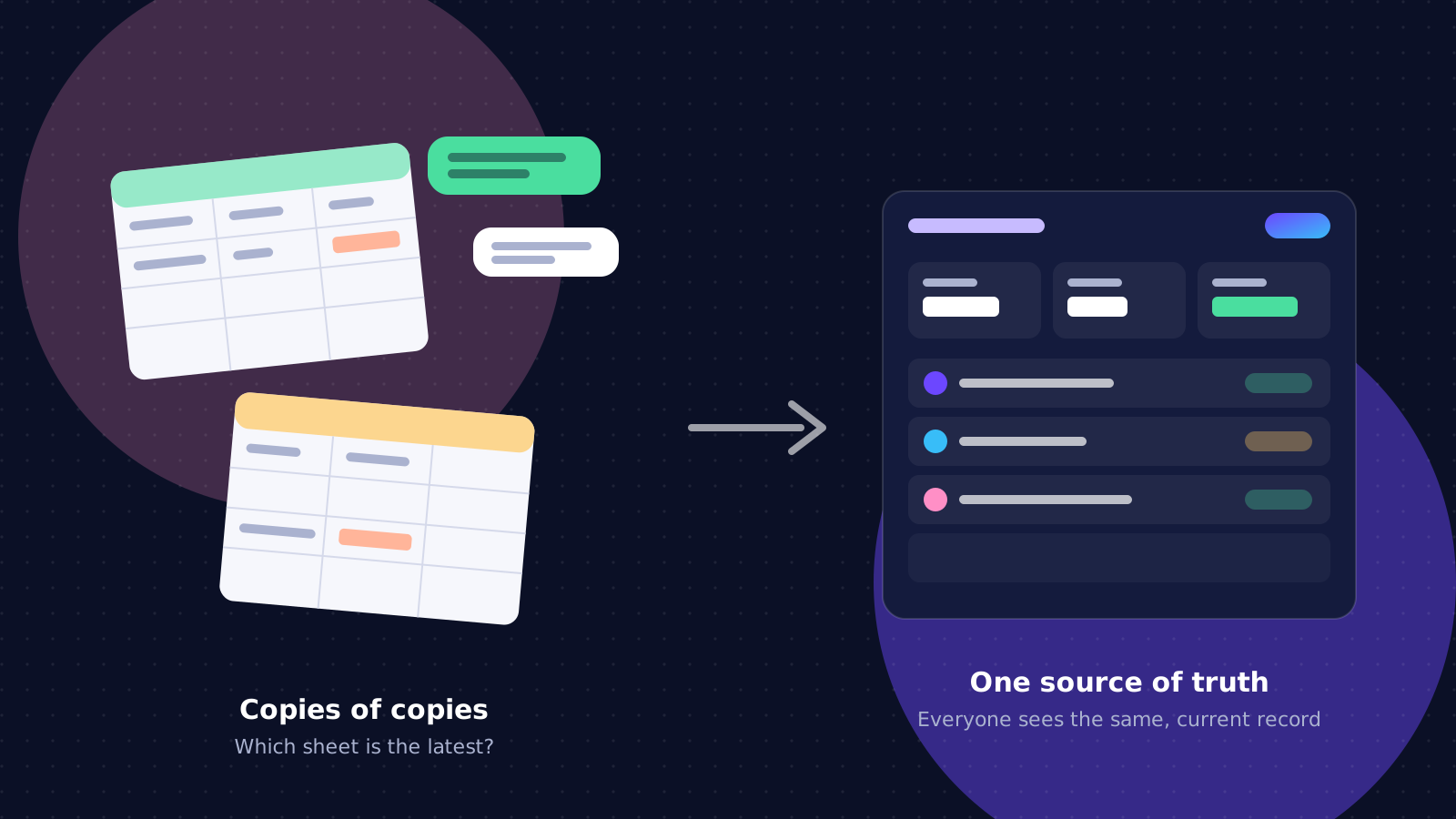
- Does your team repeat the same manual task every day? Spreadsheets passed around on WhatsApp, orders copied from messages into a notebook, or reports rebuilt by hand every month are strong signs that a small internal app would pay for itself.
- Is your main goal to be found and trusted? Then start with a fast, well-written website, measure what visitors ask for, and add features once you know they are needed.
If you answered yes to the first two, a web app is probably worth it. If you only answered yes to the third, a website is the right first step, and it will be cheaper and faster than you might expect.
What drives the cost
Prices vary widely, so it helps to know what actually moves them. For a website, the main drivers are the number of distinct page designs, how much content needs writing or translating, and whether you need features such as bookings or a blog. For a web app, the drivers are the number of user types, the number of screens and workflows, the integrations (payments, SMS, accounting) and how much existing data needs moving in.
A useful rule: every new type of user roughly doubles the number of decisions to make, because each one needs its own permissions, screens and edge cases. Starting with one or two user types and adding more later keeps the first version affordable.
"Website with a web app behind it" is common
Many businesses need both, and that is fine. A restaurant might have a public website for its menu and location, and an ordering app behind it for customers and kitchen staff. A school might have a website for parents and prospective families, and a portal for fees and report cards. The public part is built for search engines and first impressions; the app part is built for speed and reliability once people are signed in.
You don't have to choose forever
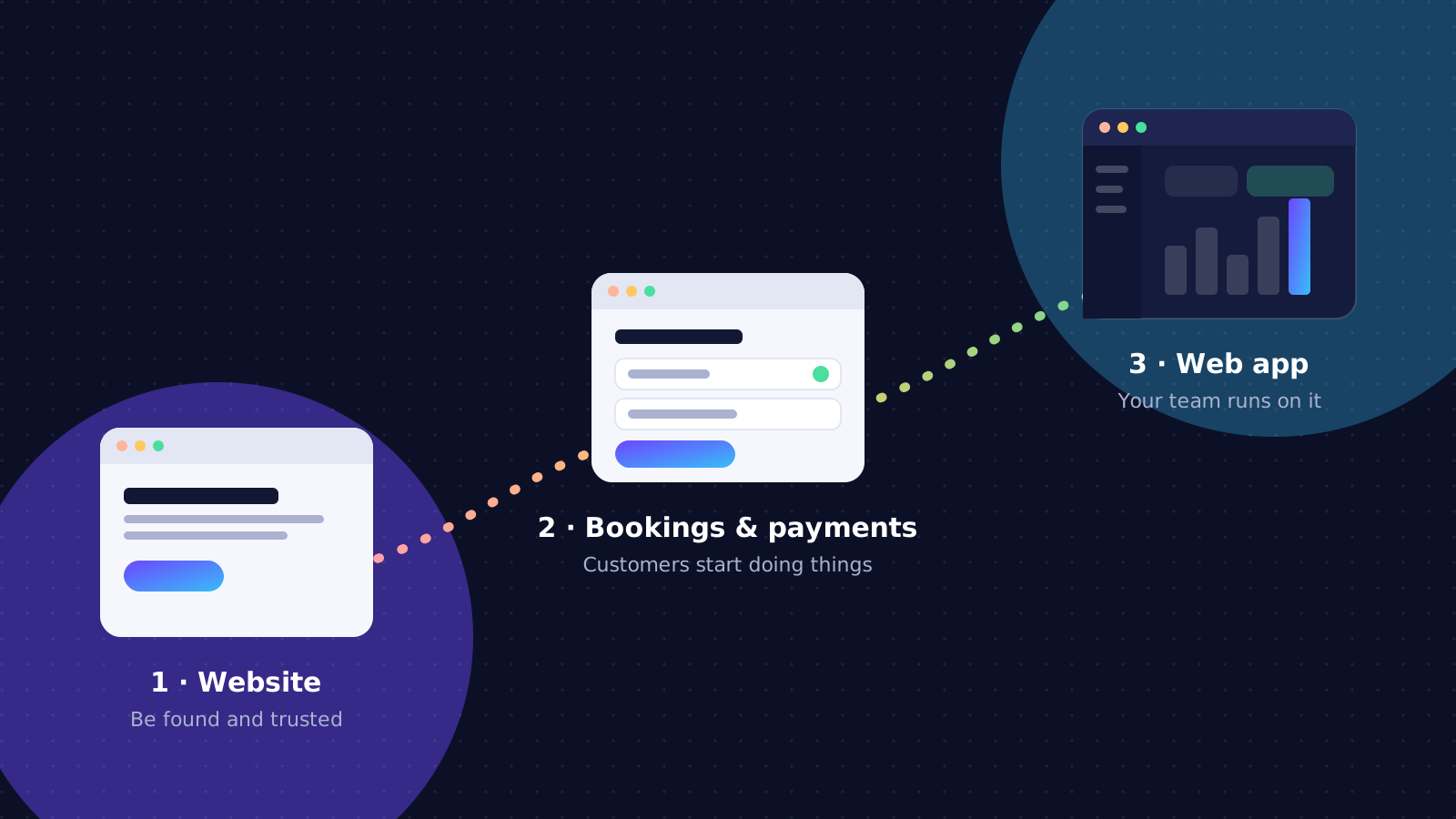
The best projects start with the smallest thing that is genuinely useful and grow from there. A website can add online bookings, then payments, then customer accounts, and gradually become a platform. The trick is to build the first version on foundations that can grow:
- Clean, maintained code in a mainstream technology, so any competent team can work on it later.
- A proper database rather than data scattered across plugins and spreadsheets.
- An admin you can actually use, so your team updates content and records without waiting for a developer.
- You own the domain, the hosting account and the code. Ask for this in writing before you start.
With those in place you are extending what you have, not starting over every time the business changes.
Before you talk to a developer
You will get better advice, and more accurate quotes, if you can answer these in a sentence or two each:
- Who will use it, and what do they need to get done?
- What happens today without it, and what does that cost you in time or lost sales?
- What would make the first version a success three months after launch?
- Which systems does it need to work with: payments, accounting, SMS, an existing database?
Not sure which you need? Describe the problem, not the solution. We'll help you work out the smallest thing worth building first, and tell you honestly if a simpler option will do.